Base UI (Beta)
Base UI let's you inspect, add, modify and delete records from a Base via a GUI.
Opening Base UI#
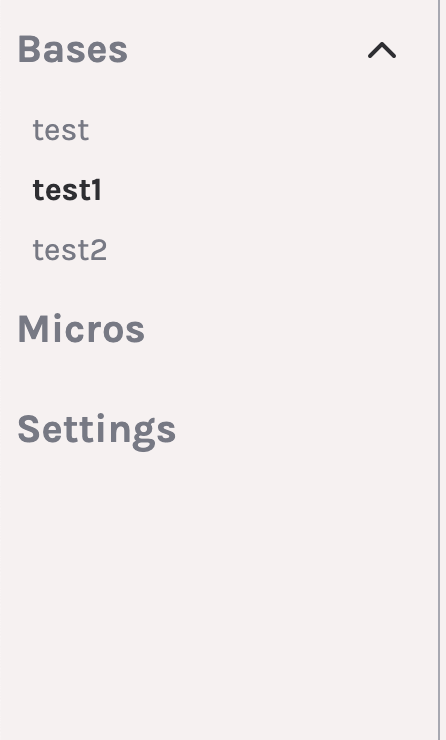
You can open an individual Base's UI within any project by clicking on the Base name in the project sidebar.
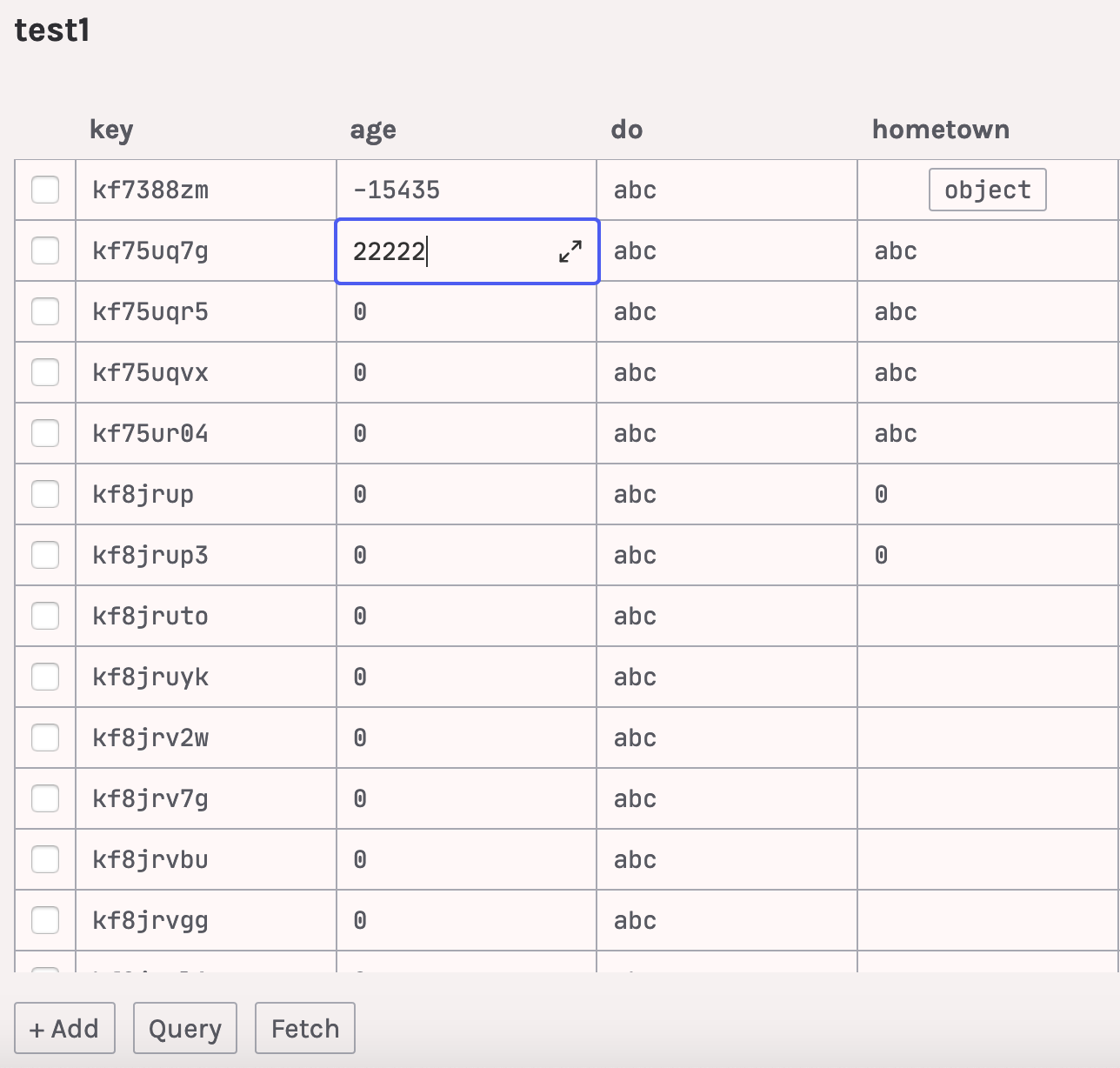
All the data from your Base should load into the table view when clicked. You can edit individual cells, if they do not contain an array or an object.
Advanced Editing#
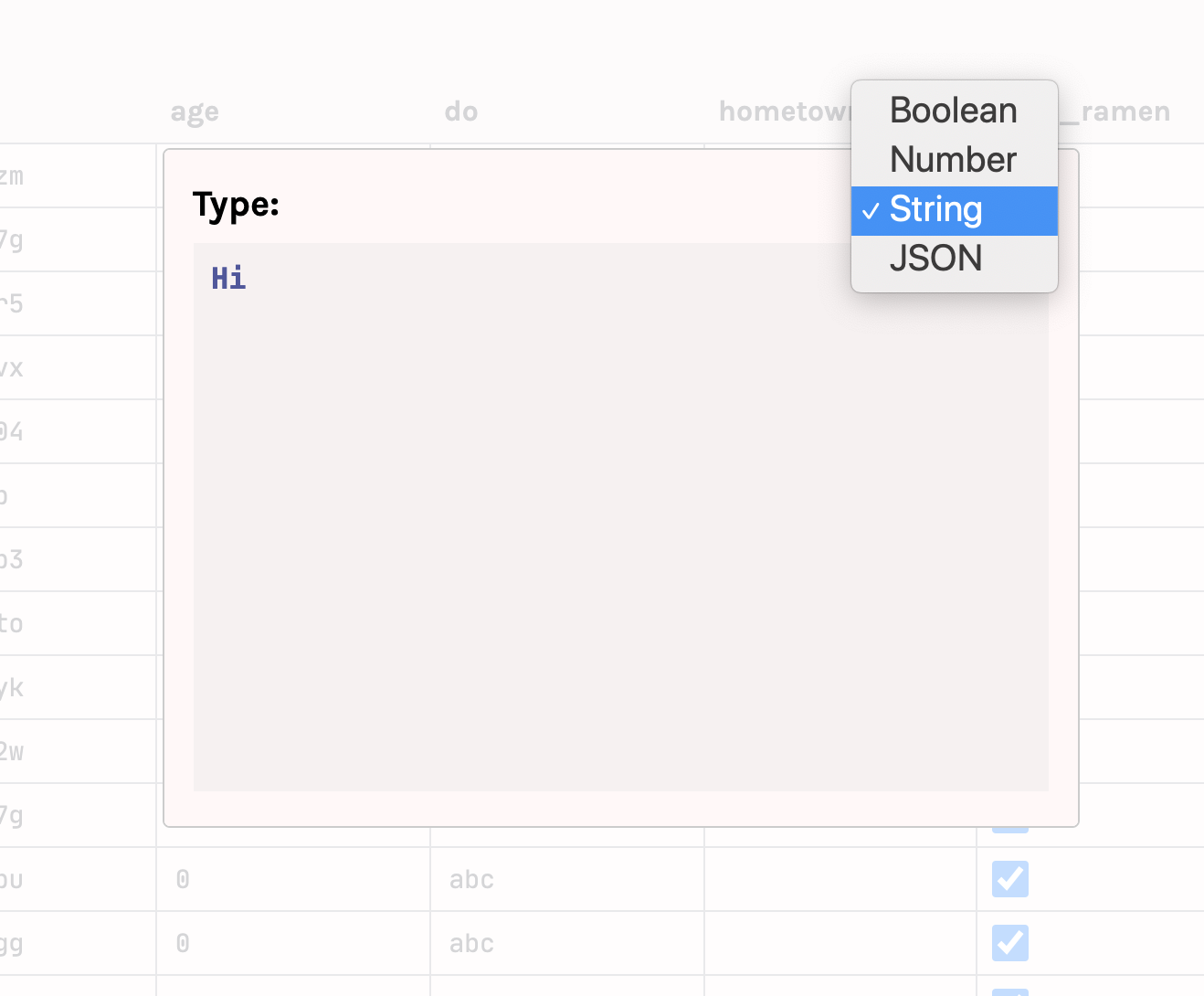
You can expand any cell if you want to do advanced editing (like the editing of objects and arrays or type changes).
Queries#
If you don't want to deal with all of your data at once, you can use Deta Base's queries to get a filtered view. Click the Query button, enter your query, and hit enter or click Fetch.


Adding Items#
You can add new items by clicking + Add.
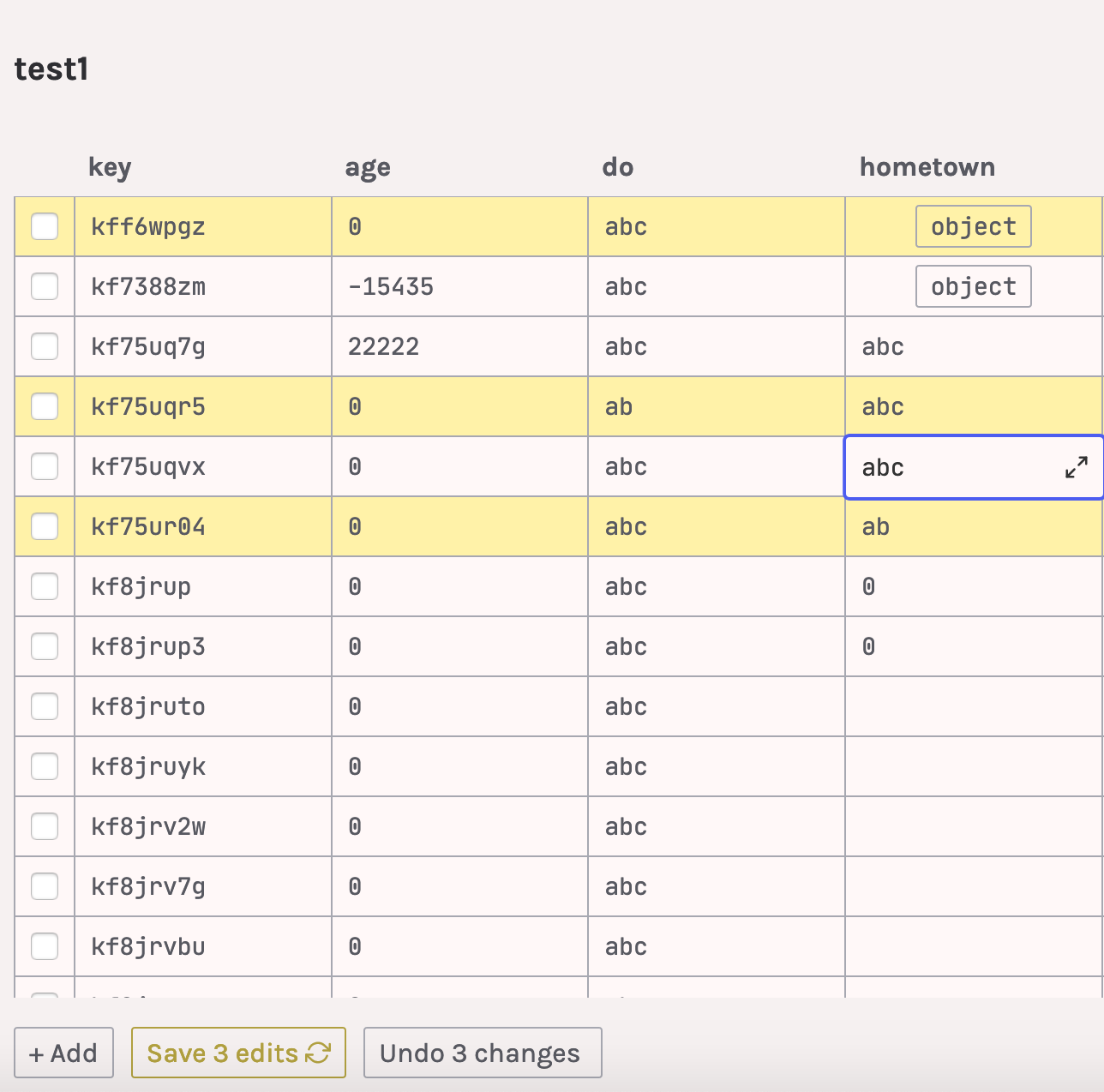
New rows and edited rows will appear in yellow.
You can permanently save these modifications by clicking Save edits.
Deleting Items#
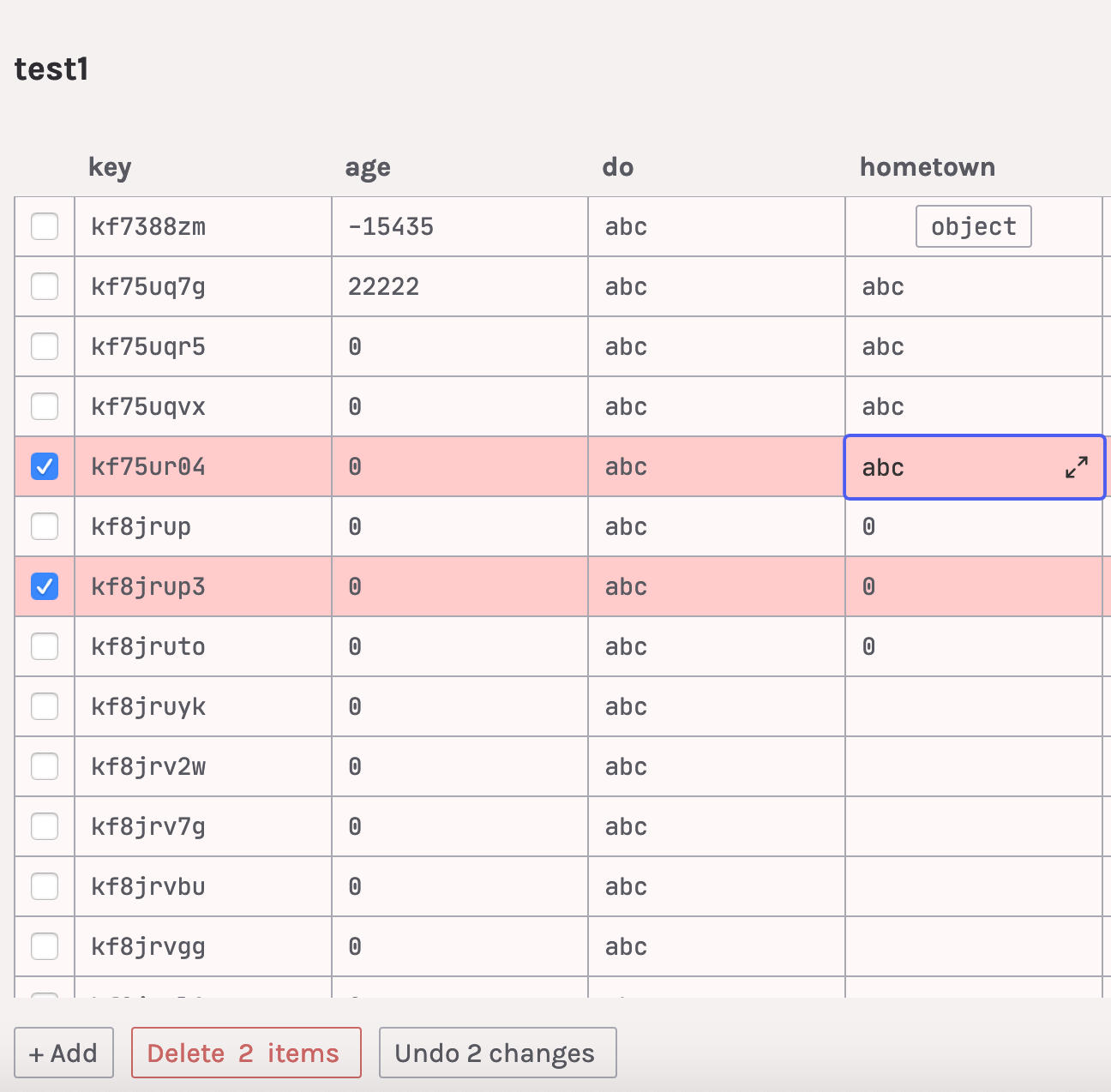
To delete items, click on the checkbox(es) for any item(s) and then click the Delete button.
Undoing Changes#
You can revert your local changes, restoring the BaseUI state to the last fetch by clicking the Undo button.
Final Notes#
We hope you enjoy Base UI!
Base UI is still in Beta; it has been internally tested but may have some uncaught bugs or issues.
We'd love to hear from you: please reach us at hello@deta.sh or on Slack if you have any feedback!